Starbucks, on the corner
$6.40 spent
Use Amex Gold.
4x restaurants
$0.20instead of $0.05
+$0.15 recovered at this counter
A standalone store codes as dining. The kiosk inside the supermarket would not.
Answered on your Lock Screen, before you unlock your phone — and without ever asking for your bank login.
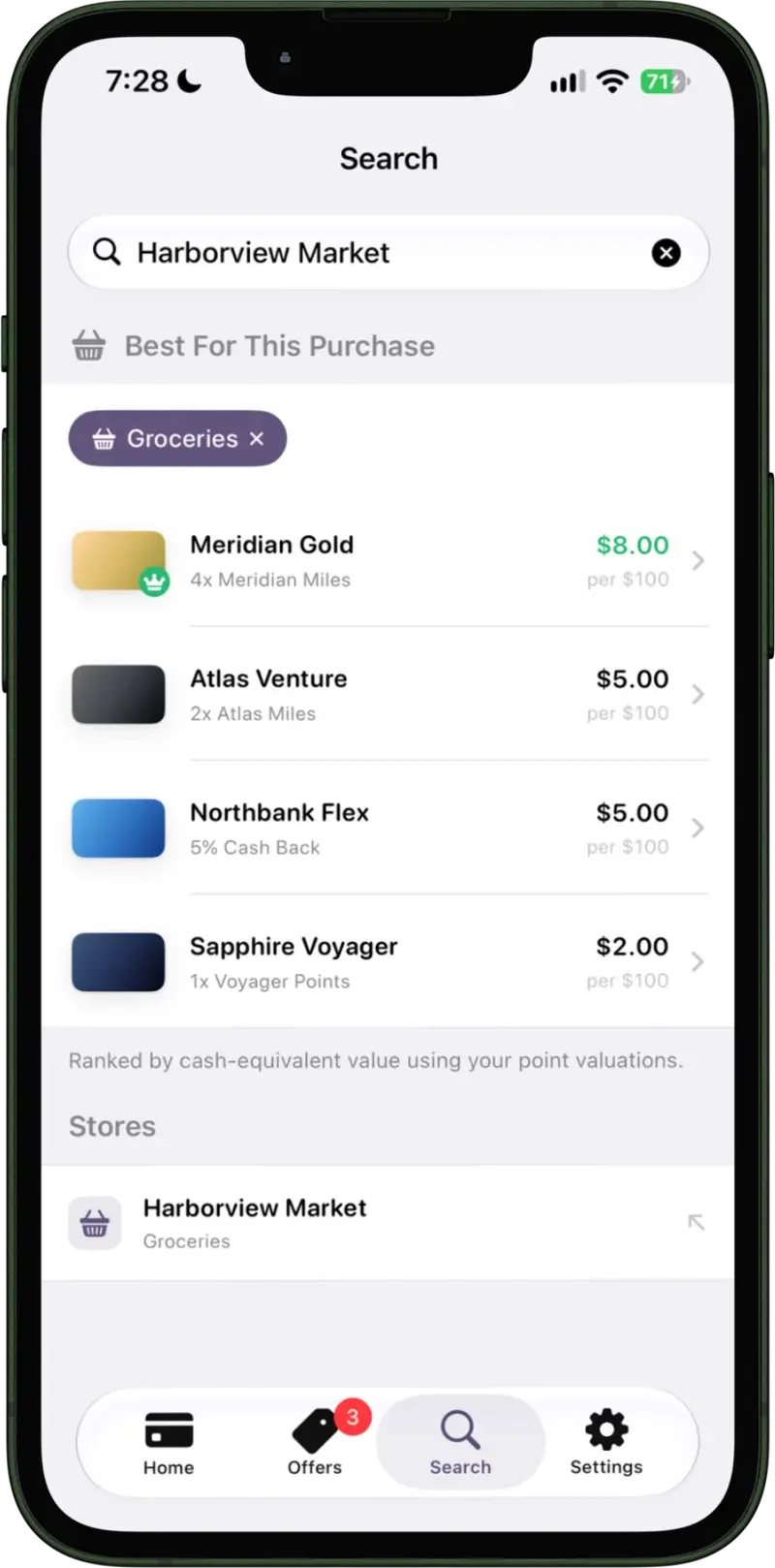
Every other card app reads your accounts. CardSwipe asks which cards you carry, and nothing else.
Why it works without a login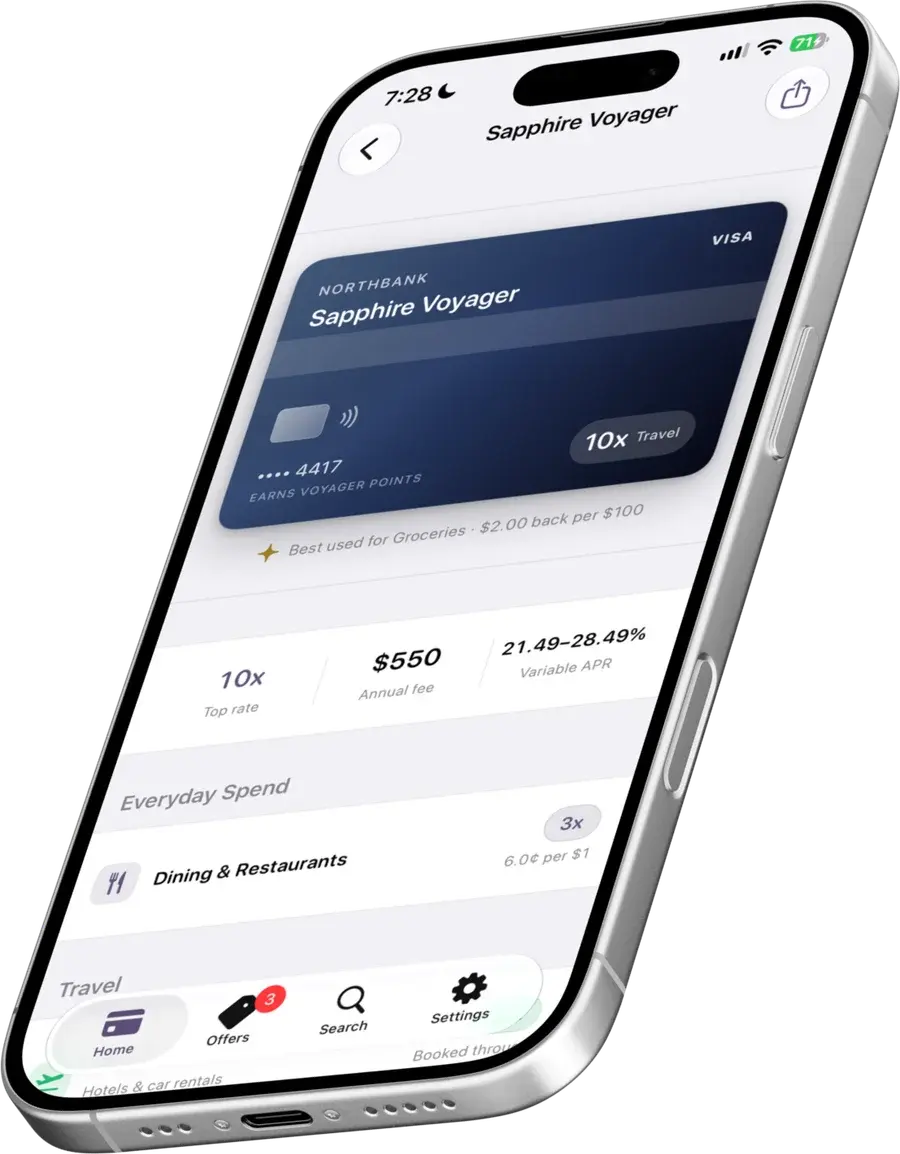
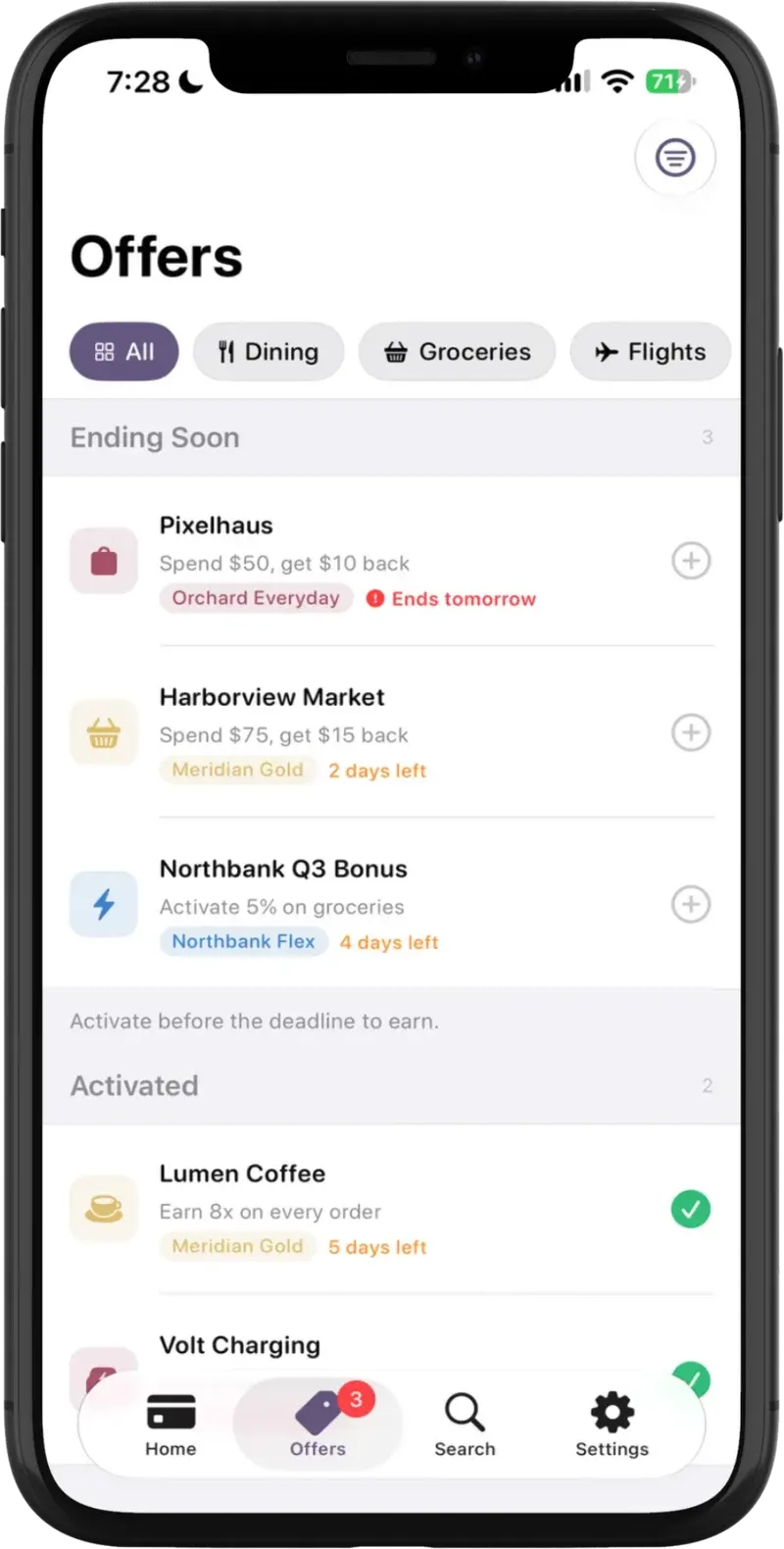
Location resolves the store — that is all it is used for. Nothing about the stop is logged.
Search the issuer, pick the product. Amex Gold, Sapphire Reserve, whatever is actually in your wallet. That is the entire setup, and it takes under a minute.
Category multipliers, quarterly rotators, spend caps, activation state. CardSwipe knows what your cards earn, so you never type a reward rate.
Walk up to a counter and the Lock Screen already shows the card to reach for. Open the app only when you want to check the ranking yourself.
One column is what the others take. The other is the complete list of what CardSwipe asks for.
The same ranking, one line shorter, for when the phone stays where it is.
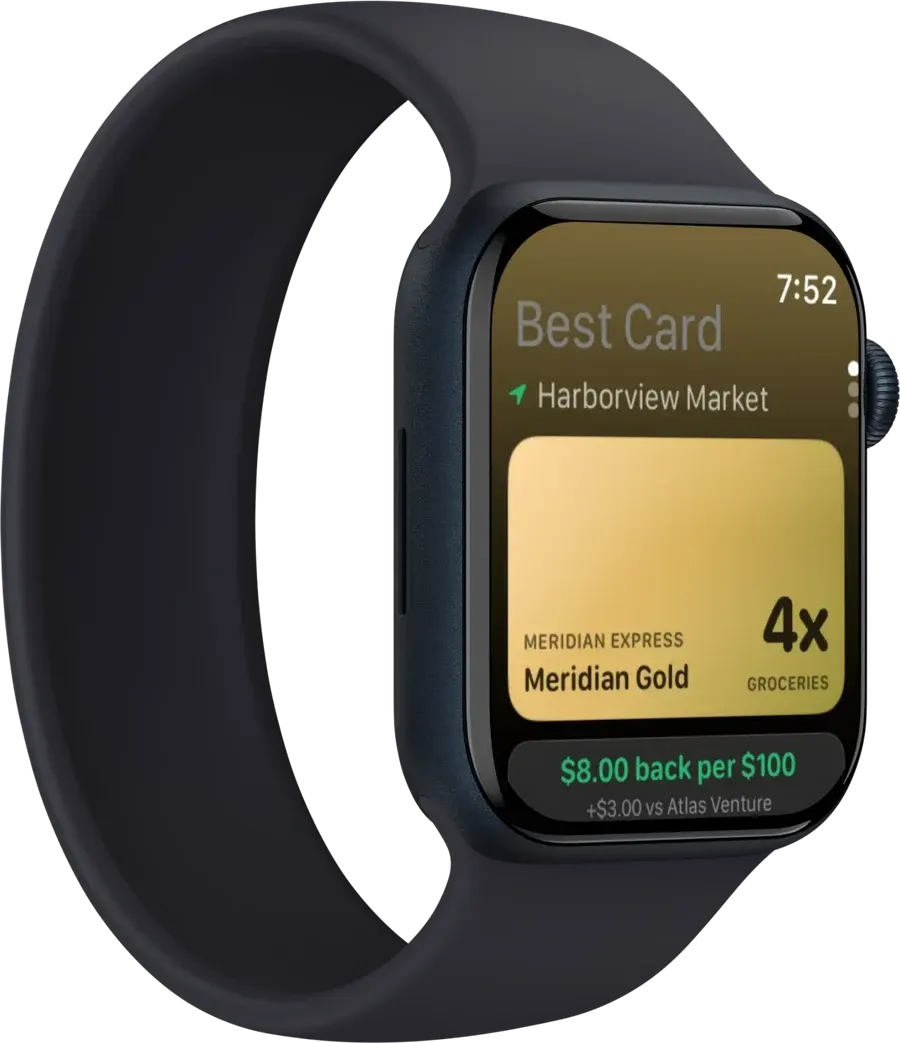
The winning card, its rate, and how far ahead of your next card it is.
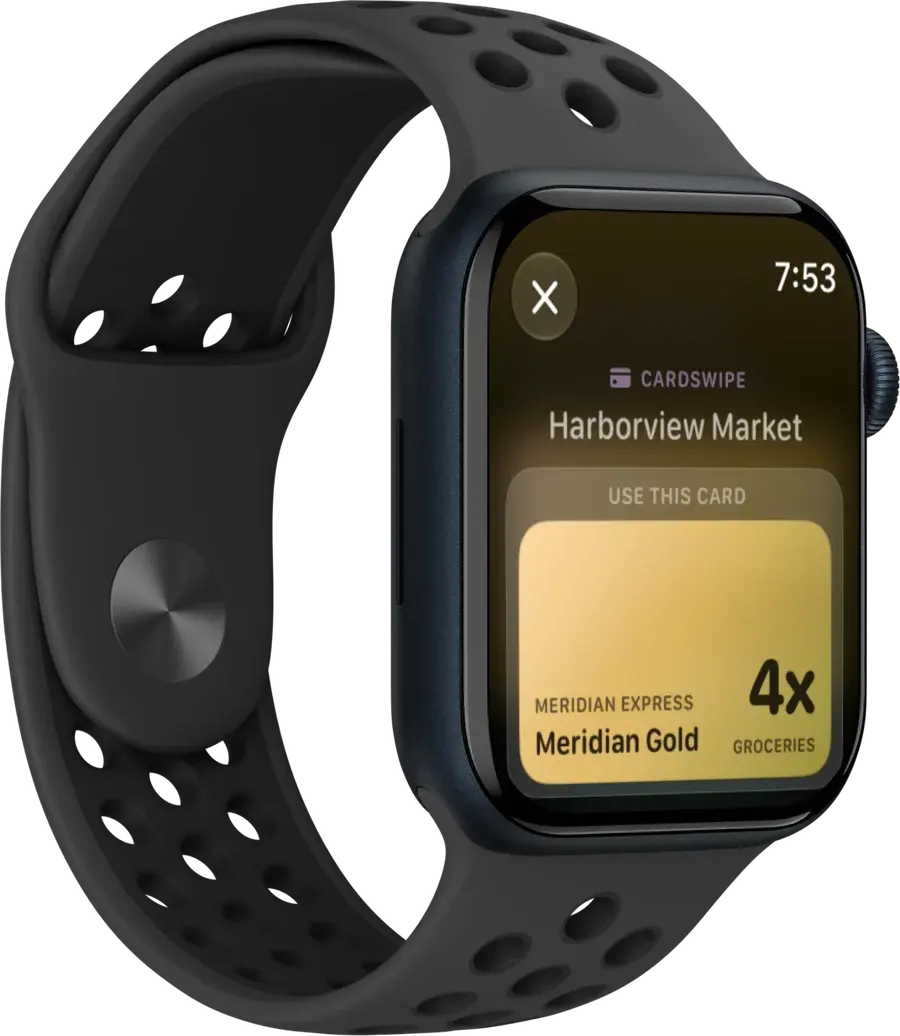
A tap on the wrist as you walk in, naming the card before the till.
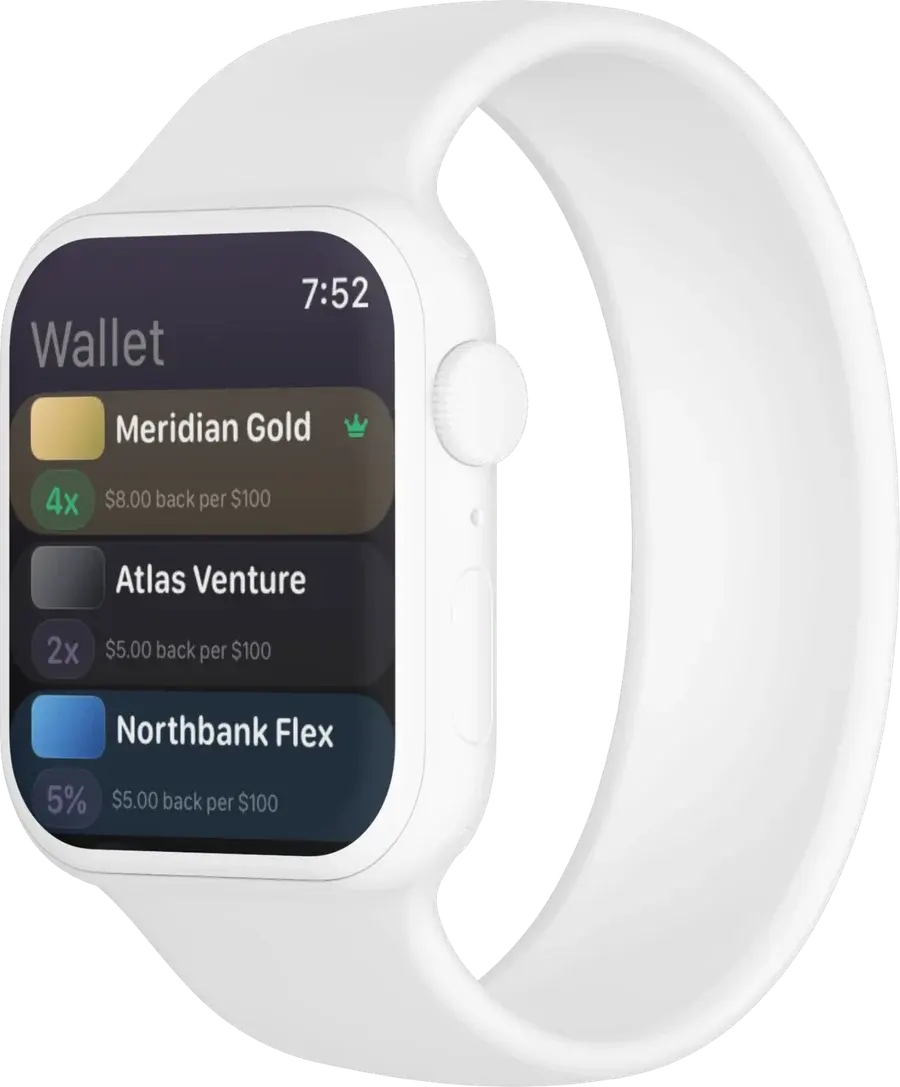
Your whole wallet, ordered by what each card earns here.
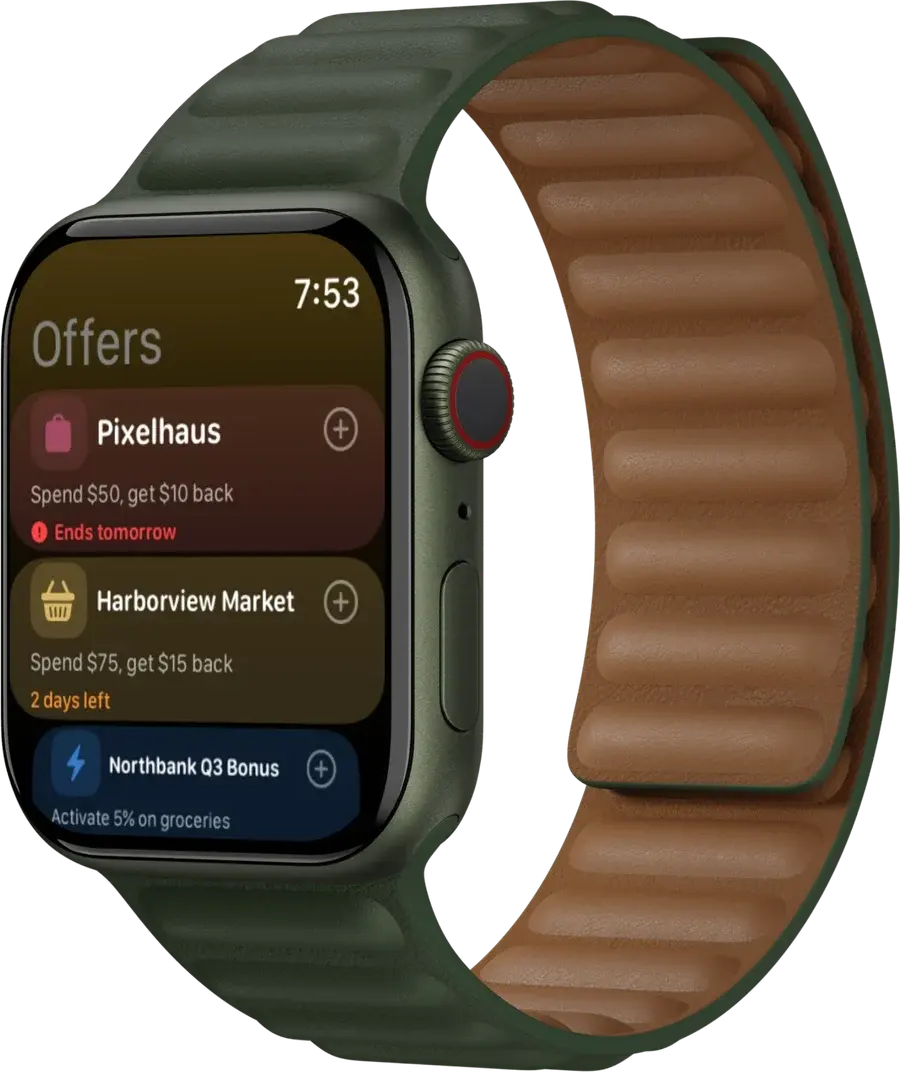
Offers by deadline, with whether they still need activating.
300
people have asked for early access. Add your email and you get one message when it opens, nothing else.
No bank login required to sign up, which is rather the point. Questions go to hello@cardswipe.app.
Answered on your Lock Screen, before you unlock your phone, and without ever asking for your bank login. Try it against a counter you actually stand at.
Example wallet of five cards: Blue Cash Preferred, Amex Gold, Chase Sapphire Reserve, Citi Double Cash and Capital One Venture X. Pick a counter and watch which one wins.
Use Blue Cash Preferred.
6% US supermarkets
Points counted at 0.8¢, the conservative default you can change in Settings.
Reliable coding. Codes reliably as a US supermarket. Blue Cash Preferred earns 6% on the first $6,000 of US supermarket spend each year, then 1%. Amex Gold covers the next $25,000 at 4x.
Lock Screen
Apple Watch
Whole Foods Market: use Blue Cash Preferred at 6% US supermarkets, worth about $6.00 per $100, $2.80 more than American Express Gold. Codes reliably as a US supermarket.
Search the issuer, pick the product. Amex Gold, Sapphire Reserve, whatever is actually in your wallet. That is the entire setup, and it takes under a minute.
Category multipliers, quarterly rotators, spend caps, activation state. CardSwipe knows what your cards earn, so you never type a reward rate.
Walk up to a counter and the Lock Screen already shows the card to reach for. Open the app only when you want to check the ranking yourself.
The answer arrives where your eyes already are. Nothing to open, nothing to sync, no dashboard to check.
The same ranking, one line shorter, on the wrist that is already out of your pocket at the terminal.

7:10 am, so far today
$0.20
$0.15 of it is money the card in your pocket would have missed.
$6.40 spent
Use Amex Gold.
4x restaurants
+$0.15 recovered at this counter
A standalone store codes as dining. The kiosk inside the supermarket would not.
$52.00 spent
Use Blue Cash Preferred.
3% US gas stations
+$1.14 recovered at this counter
The travel card is the habit here, and it earns a third as much.
$18.00 spent
Use Amex Gold.
4x restaurants
+$0.44 recovered at this counter
Forty-four cents is not a life change. Five lunches a week is.
$214.00 spent
Use Blue Cash Preferred.
6% US supermarkets
+$11.13 recovered at this counter
The big one: same trolley, same queue, eleven dollars different at the terminal.
$412.00 spent
Use Chase Sapphire Reserve.
4x flights booked direct
+$9.88 recovered at this counter
Booked on the airline's own site. Through a travel site the same fare earns 1x.
$63.00 spent
Use Citi Double Cash.
2% everywhere
+$0.76 recovered at this counter
Superstore, not supermarket. No grocery bonus, whatever is in the cart.
By the end of the day
$29.62
recovered across six counters, $23.50 of it from swaps you would not have made on your own.
Repeat that week after week and it is the difference between a card that sits in a wallet and one that pays for itself.
A sample day run on the beta build with the five-card wallet. Figures use published issuer terms at a conservative 0.8¢ a point, against a single card carried for everything.
Hype carries the claim. Nothing is measurable, so nothing can be checked.
Maximize your rewards!
Much better than your other cards
This is definitely a grocery purchase
You earned $312!
Don't miss out — activate now!
Showing A standard rewards app copy. Hype carries the claim. Nothing is measurable, so nothing can be checked.
Co-founder
Builds the ranking engine and the iOS and watchOS app: the card rules, the merchant matching, and the widget that answers before the phone is unlocked.
LinkedInCo-founder
Works on the reward data and the product itself: keeping published issuer terms current, and deciding what the app is allowed to ask of anyone using it.
LinkedInThe founders post about the build in their own words too.
300
people have asked for early access. Add your email and you get one message when it opens, nothing else.
No bank login required to sign up, which is rather the point.