How it works
Three inputs, none of them a password
- Platforms
- iOS 18, watchOS 11
- Market
- US cards
- Launch
- Late 2026
- Bank login
- Never asked
Setup, once
You name the cards you carry
Search the issuer, pick the product. Amex Gold, Sapphire Reserve, whatever is actually in your wallet. That is the entire setup, and it takes under a minute.
The rules are already loaded
Category multipliers, quarterly rotators, spend caps, activation state. CardSwipe knows what your cards earn, so you never type a reward rate.
The answer arrives before you do
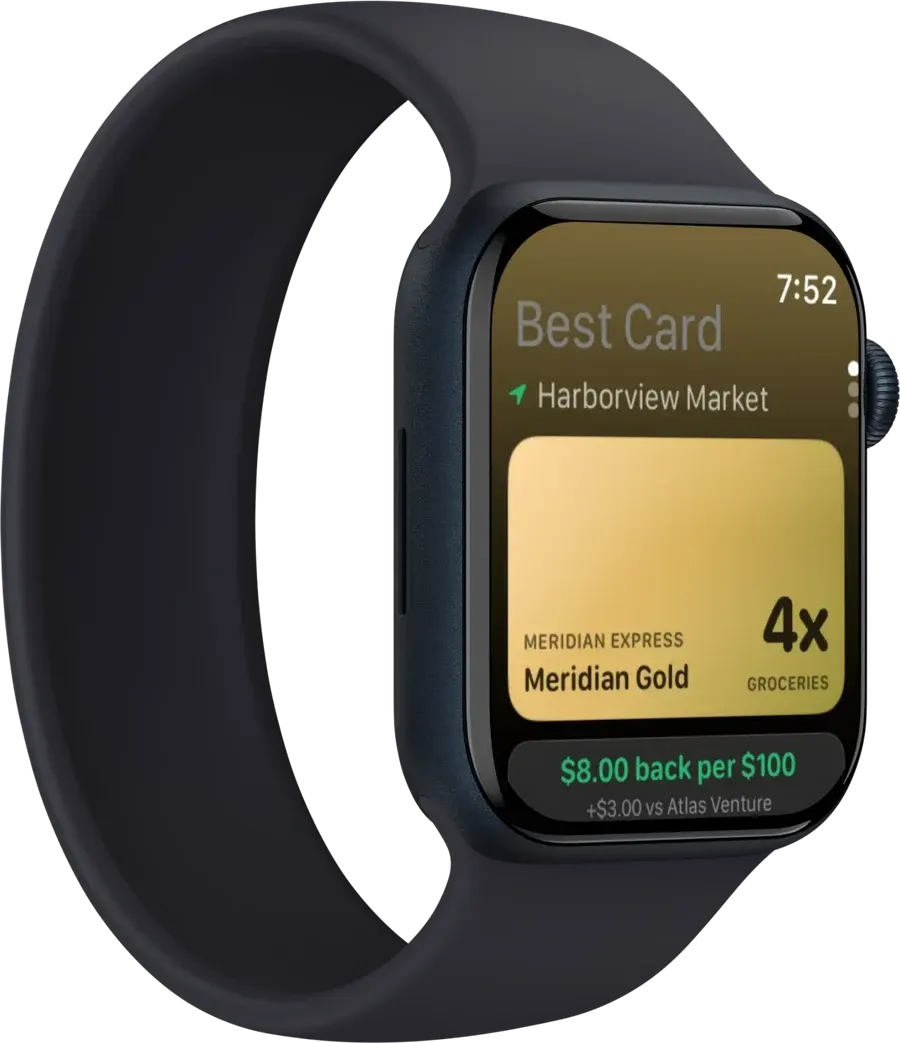
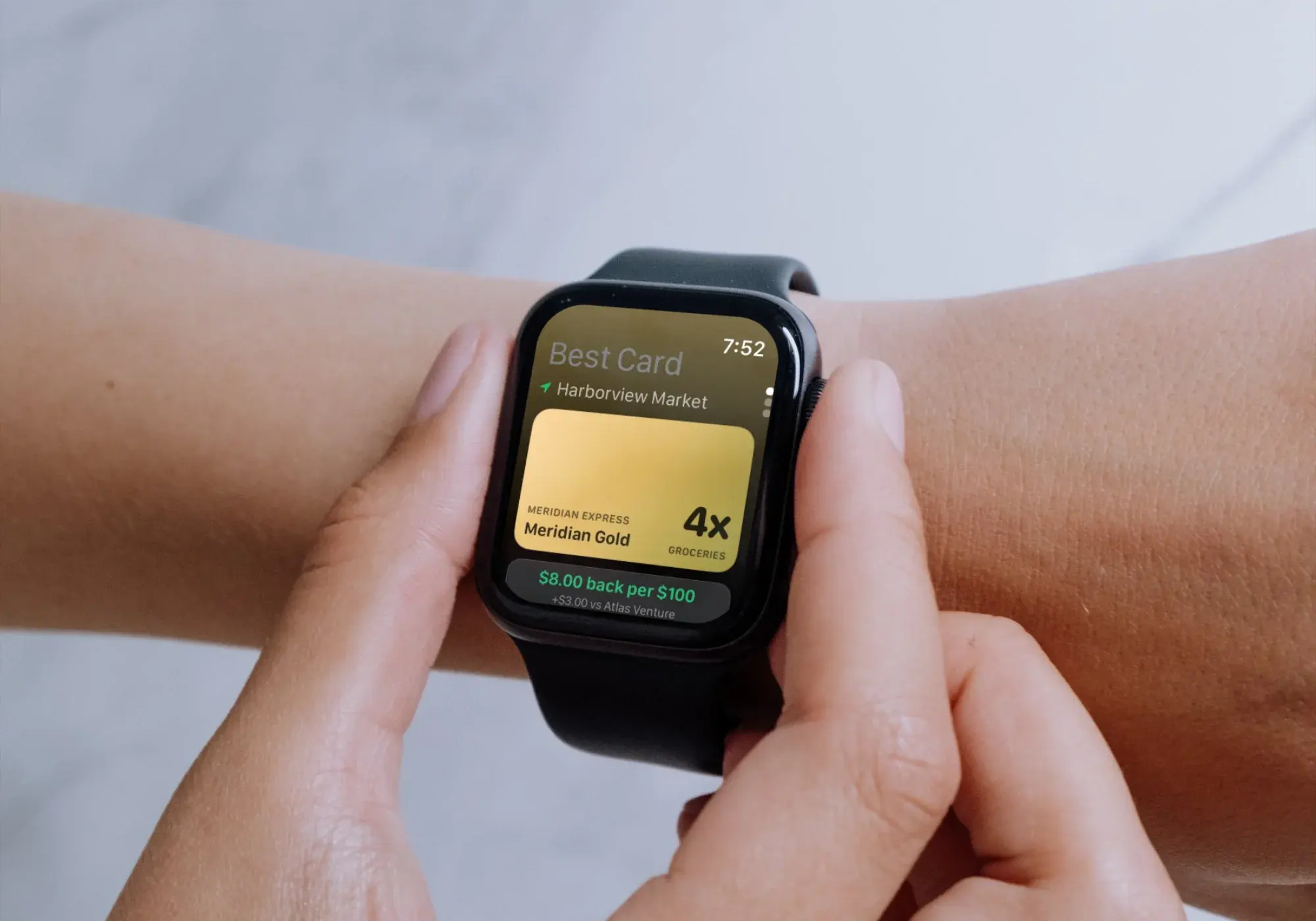
Walk up to a counter and the Lock Screen already shows the card to reach for. Open the app only when you want to check the ranking yourself.
What happens at the counter
- 1
Name the merchant
Location resolves the store you are standing at, on the device. The store maps to a merchant category, which is what card rules are actually written against.
- 2
Apply the published rules
Each card in your wallet carries its earn rules: category multipliers, quarterly rotators, spend caps and activation state. The rule that applies at this category is selected, not averaged.
- 3
Convert to cash
Points become dollars at your point valuation, set in Settings and defaulting to a deliberately conservative number. Cash back cards skip the conversion.
- 4
Rank, then state the doubt
The wallet is ordered by cash-equivalent return per $100. If the merchant codes unreliably, the app says so instead of hiding it behind a confident number.
Questions people ask before installing
- Does CardSwipe need my bank login?
- No. You type in the names of the cards you carry, such as Amex Gold or Chase Sapphire Reserve. CardSwipe never asks for a bank username, password, card number, balance or transaction history.
- How does it know which card wins at a store?
- CardSwipe keeps the published earn rules for each card: category multipliers, quarterly rotators, spend caps and activation state. It matches the merchant to a category, applies your point valuation, and ranks your wallet by cash-equivalent return.
- What does it do with my location?
- Location is used on the device to name the merchant you are standing at, so the widget can answer before you unlock the phone. It is not kept as a history and is not sent anywhere as a record of where you shop.
- How accurate are the reward rates?
- Rates come from published issuer terms and are shown as estimates, with the cap or exclusion stated alongside. Where merchant coding is uncertain, such as a coffee kiosk inside a grocery store, CardSwipe says so rather than guessing.
- Which cards and countries are supported?
- US consumer cards at launch, on iOS 18 and watchOS 11. More issuers and regions follow after launch.
- How does CardSwipe make money?
- Not yet. There are no affiliate links and no paid placement anywhere on this site today. When apply links do arrive, CardSwipe may be paid when someone is approved for a card, each link will be labelled where it appears, and rankings will stay computed from published issuer terms rather than from what a card pays us.
Be the reflex, not the afterthought
Join the early access list. No bank login required to sign up, which is rather the point.
Get early access